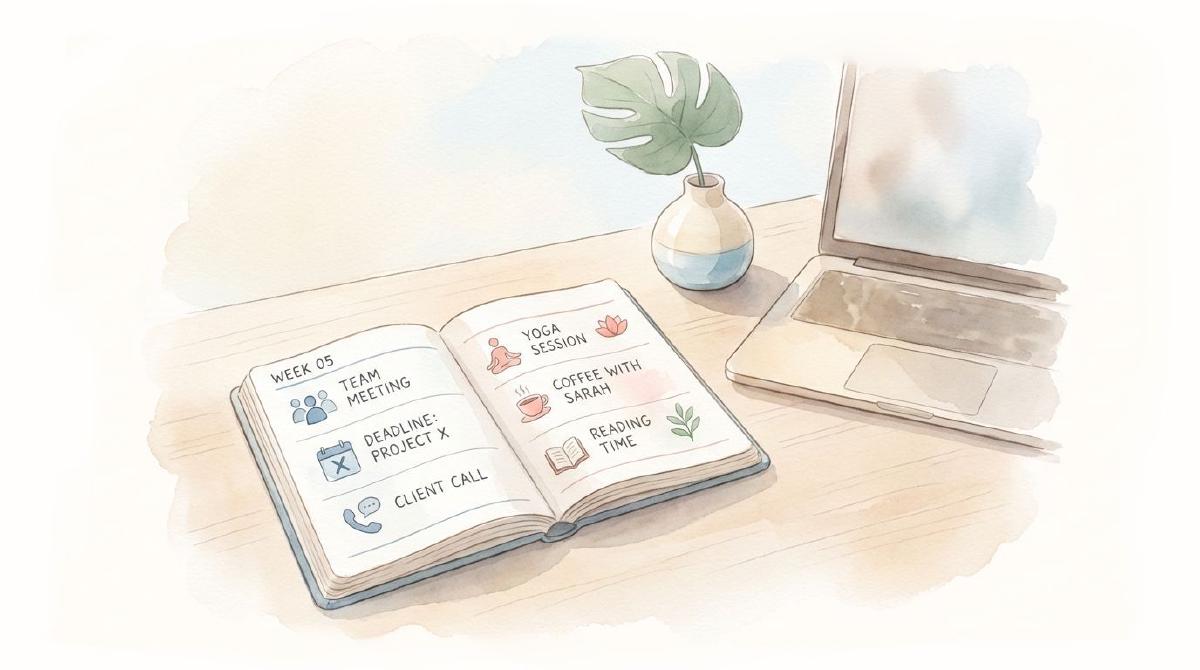
You have a choice in life. Either you live it on purpose with a plan, or by accident.
And let’s be honest: Most people don’t struggle with productivity. They struggle with things existing in different places.
Work tasks over here. Personal plans over there.
It’s not that you planned nothing. But the thing is, reminders float around in your head like the Chrome tabs you forgot to close. And somehow, you’re expected to keep it all on track.
But soon enough, life gets noisier, and responsibilities start piling up. Suddenly, you feel like a plate spinner who didn’t even ask to be in the circus.
That feeling, when you tug in a dozen directions, can be really exhausting.
Research shows that a significant number of employees experience burnout due to unrelenting workloads. In fact, 60% of people report a poor work-life balance because they don’t manage their time effectively.
That’s when a weekly planner for work and life balance comes in to change the game. Not because it gives you more time out of the blue, but because it finally lets you see your life in one place.
Once you clearly see it, balance no longer feels impossible.
Why Juggling Everything Separately Is Exhausting #
When someone hears “use ONE weekly planner for work and life,” the reaction is always the same: “Wait… just one? Wouldn’t that get super messy?”
Totally fair question. At first, using multiple planner systems can feel organized. One for home. One for work. Maybe another for habits or health.
Until it doesn’t.
Until you double-book yourself. Or you miss something important, as it was written in the “other” planner.
And in this situation, planning begins to feel like another job instead of something that helps you live better.
After all:
“Doing more planning systems doesn’t equal better balance.”
It just equals more to manage.
And if you’re reading this, you perhaps already know that feeling too well.
How a Weekly Work-Life Balance Planner Helps #
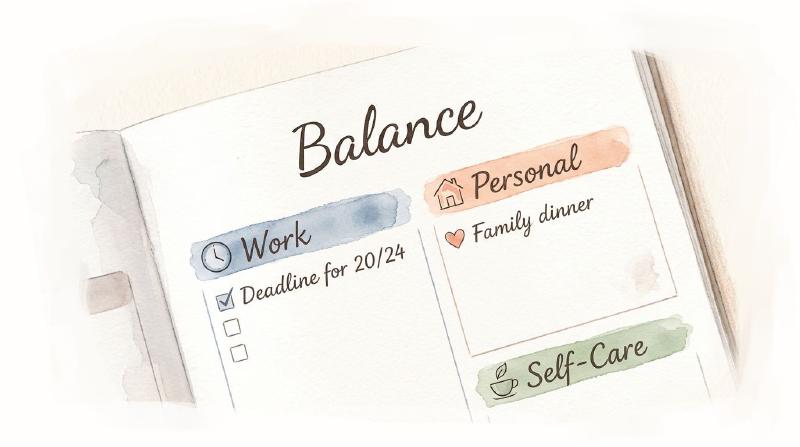
Combining roles in one planner works best instead of trying to separate our lives into “personal-only” and “work-only” spaces.
A weekly planner for work and life balance helps by:
- Decreasing decision fatigue with structure
- Turning countless thoughts into a transparent plan
- Offering higher flexibility if things even change
- Creating balance between personal and work life
- Building confidence with time through small wins
Remember, it’s not about controlling all details. It’s more about creating a rhythm that best works for you.
When you use a weekly planner, you know what’s coming, where you need to focus the most, and how to make adjustments when life throws curveballs.
6 Weekly Planning Steps That Keep Work and Personal Life in Sync #
If you want to learn how to plan work and personal life in one weekly planner for free, hold on. We’ve compiled the best strategies to help you with this.
- Step 1: Start With Fixed Commitments Before Everything
- Step 2: Break Your Whole Week into Categories
- Step 3: Plan Based on Energy, Not Just Time
- Step 4: Build Internal Boundaries That Protect Your Time
- Step 5: Personalize Your System with Color-Coding
- Step 6: Decide What “Enough” Actually Means This Week
Let’s go into detail.
Step 1: Start With Fixed Commitments Before Everything #
What would your week look like if you scheduled only what you cannot change at any cost? Let’s say meetings, deadlines, school runs, or family commitments.
And how about the annual checkup your partner scheduled last month? They are all crucial.
So, start with those first because they’re the “ANCHORS.”
These are the parts of your week that won’t move anywhere, so everything else needs to be fit around them.
Once those blocks are on the page, your weekly planner for work and life balance feels realistic rather than aspirational.
Because, ultimately:
- You don’t hope for your work deadlines to clash. – You place them and see if they do.
- You can’t “wish” your family time into existence. – You write down when it happens.
This step alone will do a lot of things for you.
Like, it will show you free space you didn’t notice you had, prevent accidental overbooking, and even force you to acknowledge time that’s already spoken for. That’s how it works!
Step 2: Break Your Whole Week into Categories #
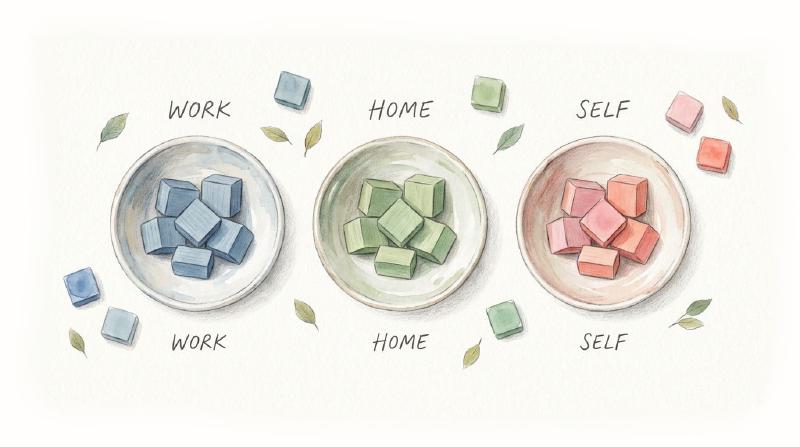
When you’re all overwhelmed, your brain can make even the smallest things feel urgent. A weekly planner for work-life balance provides clarity and structure.
All you need to do is divide your week into “buckets” or categories.
That way, you begin to see clear buckets instead of looking at one intimidating, giant list. Here’s how organized categories should look:
- Work/Business for deadlines, meetings, projects, etc.
- Home/Personal for family responsibilities, hobbies, errands, etc.
- Health & Self-Care for meal prep, workouts, rest, etc.
Nothing fancy or complicated. Just clear groupings.
Wondering why this matters so much?
Well, it’s because when you categorize your week, you stop mixing apples with oranges.
That means you will no longer try to mentally juggle a client deadline, a grocery run, a family commitment, and a workout—all at once.
Note: Don’t schedule every single minute in your planner. Instead, block time for your priorities. Let’s say Mondays are for office tasks, Wednesdays for deep concentration, and Fridays for wrap-up work.
Step 3: Plan Based on Energy, Not Just Time #

Motivation is one thing, and staying consistent is another.
And honestly, we all go through energy shifts.
While some hours of the week feel highly energetic, others may require you to push yourself harder than you expected before.
That’s energy. Time doesn’t care, but “you” do.
And if you ignore your energy and simply assign time, you risk:
- Scheduling personal tasks when your brain is occupied
- Putting your deep work when you already feel drained
- Ending the week in exhaustion with half-done goals
The smartest step is to reserve high-energy windows for demanding tasks, medium-energy slots for meetings, and low-energy slots for recovery or simple chores.
Still couldn’t get it?
Here’s a table to help you understand it even better:
| Energy Level | Work Tasks That Fit | Personal Tasks That Fit |
|---|---|---|
| High | Strategy, reports, deep work | Active exercise, important conversations |
| Medium | Meetings, catch-ups | Errands, planning |
| Low | Emails, admin | Rest, light reading |
Trust me, once you start mapping tasks to your energy levels, everything feels less like a grind and more like a wise pattern.
Step 4: Build Internal Boundaries That Protect Your Time #
Boundaries are never about being harsh. In fact, they are being fair to work and to yourself.
One of the biggest mistakes people make is squeezing in personal plans only if there’s space left over.
And the spoiler? There never is.
That’s why we do something simple yet powerful:
- We reserve time during the week for personal life, as we do for work-related stuff.
- We write it down first, before anything else, and consider it equally important.
This could be:
- A solo coffee session without a phone
- Family breakfast on Sunday morning
- A mandatory walk/jog break midday
- Downtime after 8 PM
And do you know what all these have in common?
They honor your well-being and maintenance.
In addition, you need to be strict about not putting more than what you can adjust on the planner’s page. Because when you run out of lines, it means you’re trying to pack too much into a single day.
Shift those extra tasks to another day. If possible, follow the “Top 3 Rule,” which states you should manage only 3 main tasks per day.
Step 5: Personalize Your System with Color-Coding #
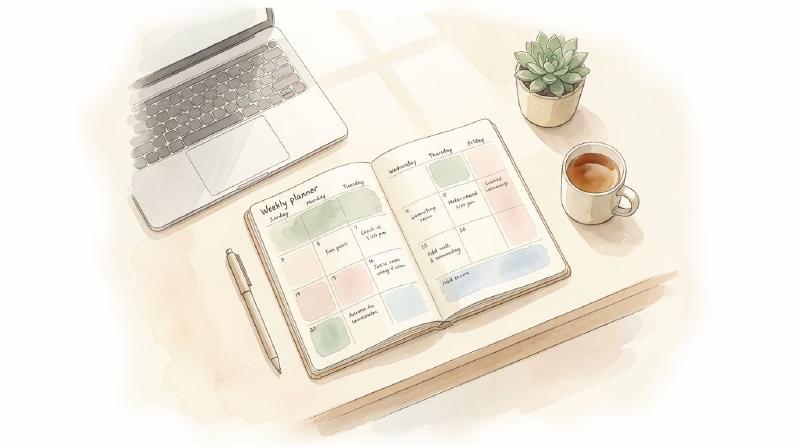
Another most underestimated yet highly important step you need to follow is “color-coding” and using stickers for personalization.
Color-coding turns your planner into a visual language. At a glance, you can tell what kind of week you are walking into before you read even a single word.
The key is this: “Color should simplify your planning, not complicate it.”
A clean system works best. For instance:
- Blue color for family or personal plans
- Red color for meetings and deadlines
- Orange color for business and work tasks
- Green color for family gatherings or outings
- Yellow color for health or self-care
That’s it. You don’t need twelve colors unless that works for your brain.
Stickers can do the task too. Of course not for decoration’s sake, but for gentle cues.
- 📅 A small icon for appointments
- 🔴 A dot for deadlines
- ⭐ A star for priorities
After all, planning is more emotional than logical. When your planner feels inviting, you are more likely to use it frequently.
Step 6: Decide What “Enough” Actually Means This Week #
“Enough” doesn’t mean finishing every single thing on your list.
“Enough” actually means completing what matters the most realistically. This might seem unimportant at first. But in reality, it gives a huge benefit.
Instead of asking:
- “What else can I squeeze in?”
You begin to ask:
- “What’s the fairest plan for my time and energy this week?”
That’s empathy for your own work-life balance schedule.
Because if life and work don’t have room to breathe, neither of them actually wins.
Tips for Staying Consistent with Your Planner #
Even with an ideal system, a weekly planner for work and life balance works only if you use it daily. Here are some practical tips to build the habit.
- Review Weekly: Spare 15 to 20 minutes on Monday morning or Sunday to sketch out your categories.
- Check Regularly: Spend a quick 5 minutes every morning to review your priorities and schedule.
- Reflect Nightly: By the end of the day, examine what you’ve done and shift unfinished tasks forward.
- Spread Things Out: Schedule your activities across the week without fixed times, so they are not all on already busy days.
- Don’t Overcommit: Avoid cramming your schedule with tasks and activities. Leave room for flexibility and unexpected events.
- Be Realistic: Decide what you can accomplish each day realistically. Ensure you have sufficient gaps for eating, travel, etc.
- Make it Accessible: Keep your planner somewhere you will often see it, like in your bag, on your desk, or in the kitchen.
Bottom Line #
How often do you find yourself longing for more time in a day? While you can’t add extra hours to it, you can create the illusion that you have enough time to handle everything. That’s where things go wrong, and work-life imbalance occurs.
But as you might have heard, “Either you run the day or the day runs you.” And honestly, it comes up with a lot of stress and trouble. So, if you want to avoid such circumstances, follow all the above steps on how to plan work and personal life in one weekly planner.
Because in the end, organizing multiple roles needs organization and planning. Just don’t let an unplanned week ruin your life. After all, a balanced, intentional, and manageable week itself solves half of your problems.